Introduction
Swarm ID is sign-in and storage for apps built on Swarm. Your users get one account that works in every Swarm app, unlocked with a passkey, a password or an Ethereum wallet, in the browser they already have. Your app gets a signed-in user and somewhere to put their data, with no servers, no session store and nothing to install.
What your users see
Section titled “What your users see”Your app shows a connect button. From there:
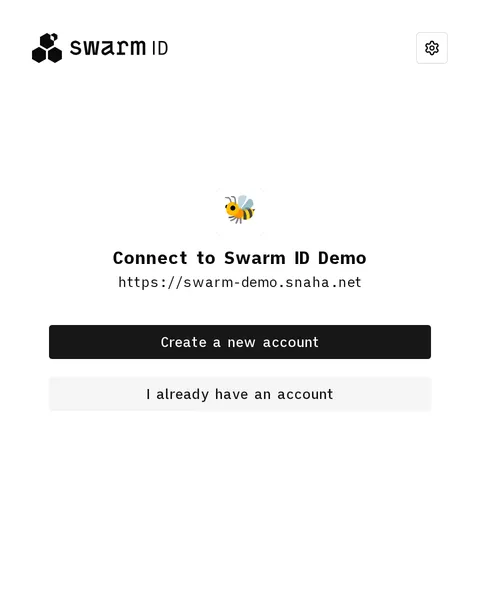
A popup opens on the Swarm ID site. The first time, they create an account: a name, a recovery phrase to save, and how to unlock it. After that, they pick the one they have.
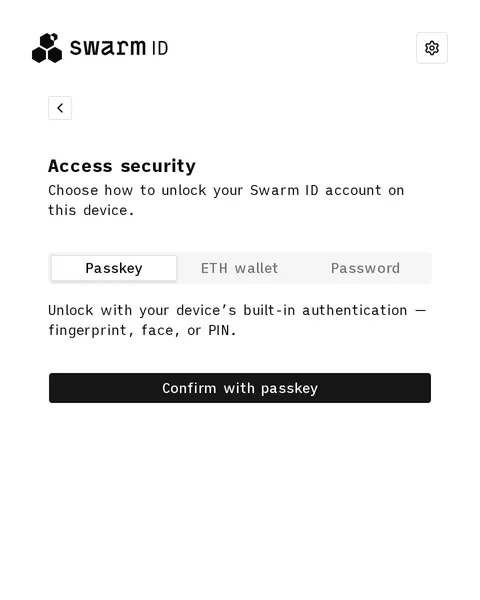
They choose how to unlock it: a passkey, an Ethereum wallet, or a password.
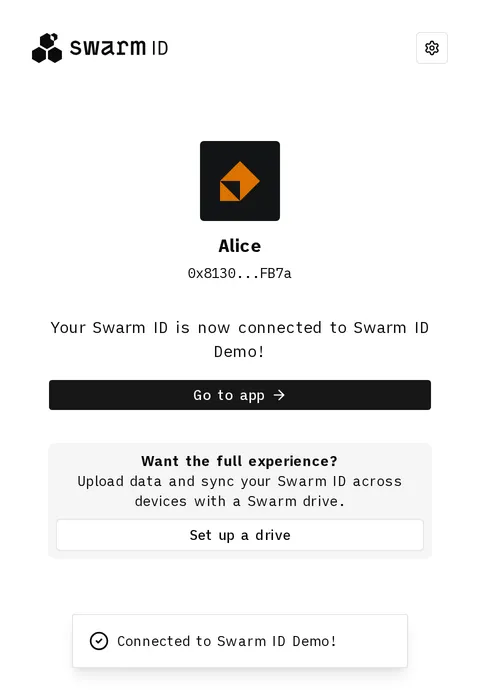
Done. They press Go to app and your app has a signed-in user.
The account is a recovery phrase. The user writes it down once, when the account is created, and can restore the account from it on any device. Day to day they unlock with the passkey, wallet or password they chose instead. Creating an account, signing in and downloading can be done without payment. Uploading needs storage, which has to be paid for: by the user, with a drive, or by you, through a subsidised gateway.
Try it on the demo app. A new account has no storage of its own yet, so tick Use subsidised gateway in the sidebar first, then press Connect: you have an account two minutes from now. The demo then lets you upload a file, publish a feed and share something with one chosen reader, which is roughly what any app on Swarm does.
One account, every app, every device
Section titled “One account, every app, every device”Swarm ID is also where people manage that account. The identity site lists the apps they have connected, lets them disconnect one and decide what each may do, and holds their drives: prepaid storage on Swarm that a connected app writes to once it is granted one. See Drives & Permissions.
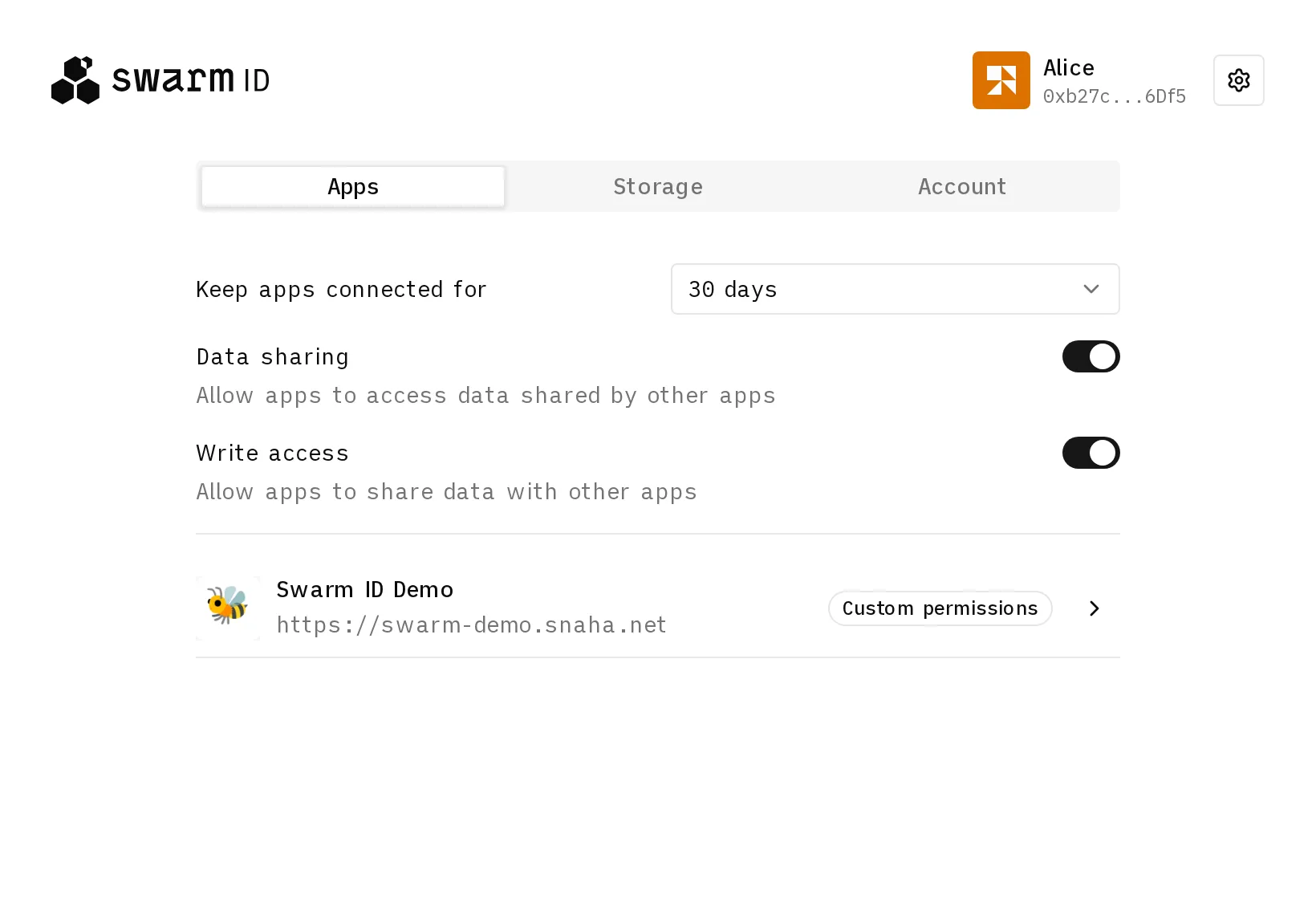
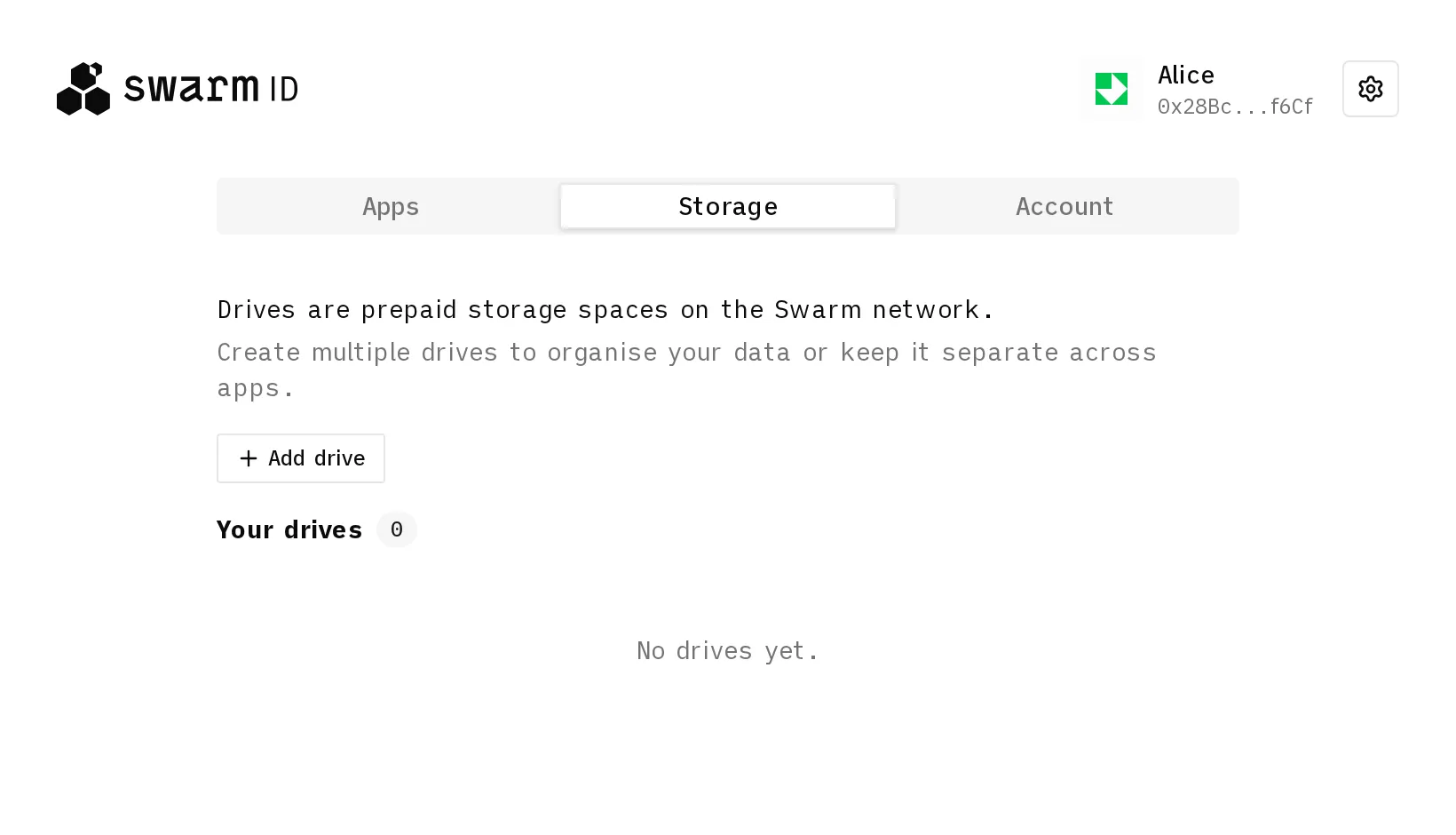
A drive is where payment enters. It follows the account: sign in on a second laptop and the same drives are there; upload from either and it lands in the same place. Storage belongs to the user and is paid for by the user, in crypto, through a payment widget on the identity site or from an Ethereum account they connect for it. A drive is bought for a period and has to be extended before it runs out. Your app never holds a payment method or a storage budget for anyone.
Every new account starts without a drive, so it can read but not write. Until the user adds one, your app either sends them to the identity site’s Storage tab or picks up the bill itself through a subsidised gateway. Downloads are free either way.
What your app gets
Section titled “What your app gets”- Sign-in in one call. The library opens the popup, waits for the user and hands you the connection.
- Storage through the same connection. Upload, download, publish a feed, encrypt for a chosen set of readers. Every Swarm request goes out on the user’s behalf; uploads are paid from the user’s drive, or from a gateway you subsidise.
- Keys you never hold. The secret that controls the account never leaves the Swarm ID site, and the key derived from it for your app stays in the iframe: your app gets signatures and derived values, never the key itself. One app’s key says nothing about another’s, and nothing your app holds can expose the account. Isolation is of keys, not of data: anything uploaded unencrypted is public on Swarm, as it is for every Swarm app.
- Every major browser. Chrome, Firefox and Safari, desktop and mobile, no extension. This is the part that is usually hard on the web, and it is checked on real devices; Architecture says what is confirmed and what is still open.
The identity site at swarm-id.snaha.net is hosted for you, so an integration is a package install and a few lines. Everything is open source, and you can host your own when you want the sign-in page on your domain. The account is the recovery phrase, so it is the same identity on any host; what a user sets up again on yours is how they unlock it.